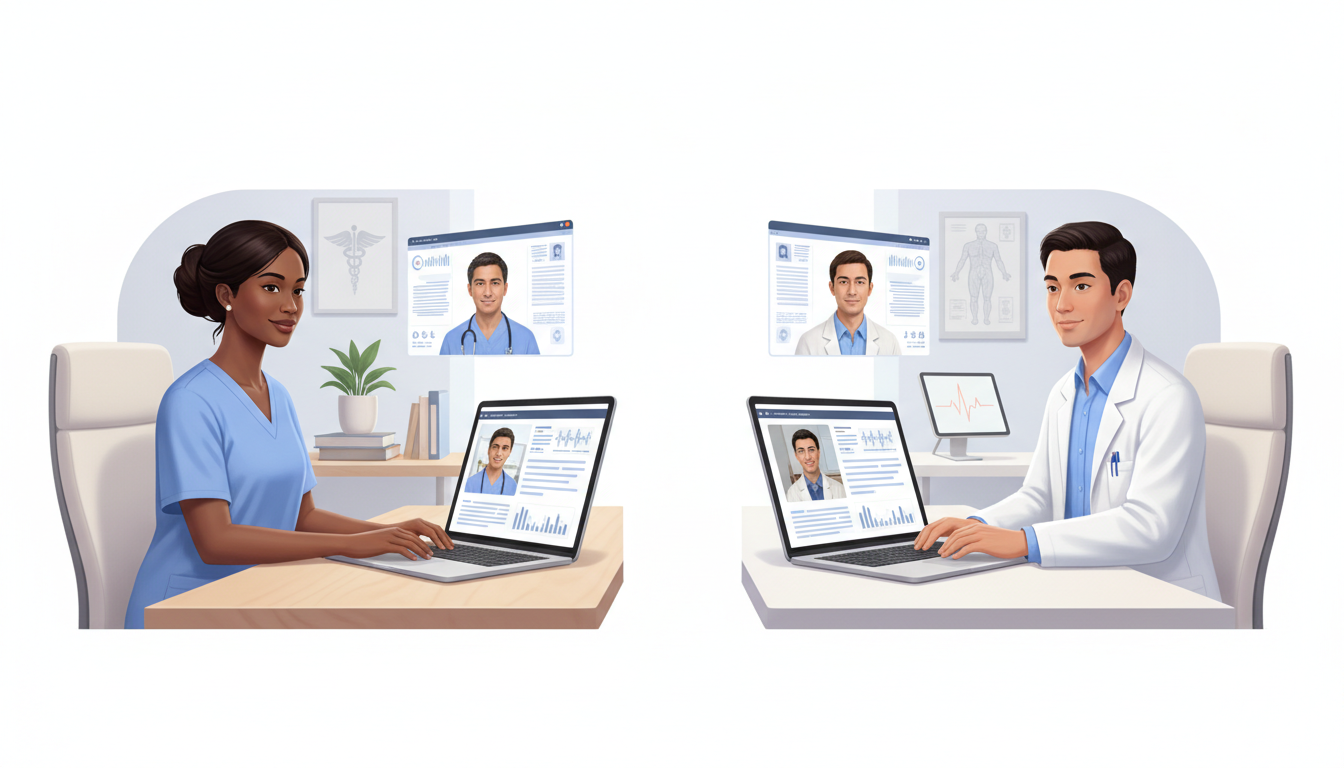
Telehealth is now a core part of modern healthcare, and nurse practitioners (NPs) and physicians are increasingly collaborating remotely to coordinate care. When the technology works smoothly, video consultations can be efficient, patient‑centered, and clinically effective. When it doesn’t, they quickly become frustrating for everyone involved.
This practical, technical how‑to guide walks through video consultation best practices and telehealth technology tips specifically for NP–physician collaboration—so your virtual teamwork is as strong as your in‑person care.
1. Start with a Strong Technical Foundation
A. Internet Connection Standards
- Minimum bandwidth:
- At least 5 Mbps upload and download per participant is recommended for stable HD video.
- Use wired when possible:
- Connect via Ethernet instead of Wi‑Fi for critical consultations or case conferences.
- Optimize Wi‑Fi:
- Position the router centrally and away from walls.
- Limit other high‑bandwidth activities (streaming, large downloads) during calls.
B. Hardware Essentials
- Camera:
- Use a 1080p HD webcam or better for clear video.
- Position at eye level for a natural line of sight.
- Audio:
- Prefer USB or Bluetooth headsets with noise‑cancelling microphones.
- Avoid relying on laptop speakers and mics in busy environments.
- Lighting:
- Face a soft, front light (window or lamp).
- Avoid strong backlighting that makes you appear in shadow.
2. Choose the Right Virtual Collaboration Tools
A. Secure Video Conferencing Platforms
Look for telehealth or video platforms that offer:
- HIPAA‑compliant encryption
- Virtual waiting rooms for patient encounters
- Breakout or side rooms for NP–physician huddles
- Screen sharing for labs, imaging, and notes
Examples include purpose‑built telemedicine platforms and healthcare‑enabled versions of common video tools (depending on your organization’s policies).
B. Integrated Telehealth Workflows
To streamline NP–physician collaboration:
- Prefer platforms that integrate with your EHR
- Use tools with built‑in:
- e‑prescribing
- secure messaging
- shared documentation spaces
This reduces app‑switching and keeps all clinical information in one place.
3. Optimize Your Remote Consultation Setup
A. Physical Space
- Use a quiet, private room for all NP–physician consultations.
- Post a “Do not disturb – virtual consult in progress” sign if needed.
- Ensure neutral, professional background (or a branded virtual background approved by your organization).
B. Device Configuration Checklist
Before each session:
- Close unnecessary apps to free bandwidth and system resources.
- Update your browser and video platform to the latest version.
- Test audio and video using the platform’s built‑in test tools.
- Plug in your device or ensure sufficient battery for the full consult.
Create a standard pre‑visit tech checklist for NPs and physicians to follow.
4. Communication Best Practices for Telemedicine
Technical quality is only half the story. Effective NP–physician collaboration in video consultations also depends on intentional communication.
A. Structured Huddles and Hand‑Offs
- Use brief NP–physician huddles before complex visits:
- Confirm goals for the session
- Clarify roles (who leads which parts)
- Review key labs, imaging, and medications
- After the visit, schedule short debriefs for:
- Adjusting care plans
- Clarifying follow‑up responsibilities
B. On‑Camera Etiquette
- Look at the camera when speaking, not at your own image.
- Mute when not speaking in multi‑party consultations.
- Use clear verbal cues:
- “I’ll hand it over to you now, Dr. Smith.”
- “I’m going to share my screen to review the imaging.”
These small practices improve telemedicine communication and reduce confusion.
5. Screen Sharing and Clinical Documentation
A. Screen Sharing Best Practices
- Share only the relevant window (lab results, imaging, EHR section) rather than your entire desktop.
- Disable notifications to prevent PHI exposure during screen share.
- Use cursor highlighting or annotation tools to draw attention to key results.
B. Real‑Time Documentation
- Decide ahead of time:
- Will the NP document while the physician speaks?
- Or will both enter notes separately in the EHR?
- Use shared note templates for:
- Telehealth visit type
- Assessment and plan
- Follow‑up and task assignments
This keeps documentation consistent and reduces errors.
6. Handling Technical Issues Smoothly
Even with the best setup, technology can fail. Having a clear fallback plan maintains professionalism and continuity of care.
A. Standard Backup Protocols
- Phone backup:
- Exchange direct phone numbers or secure messaging channels in advance.
- If video fails, switch to audio plus shared EHR.
- Decision rules:
- Agree when to reschedule vs. continue by phone (e.g., for complex exams or sensitive discussions).
B. Simple Troubleshooting Steps
Train all participants on quick fixes:
- Turn video off for audio‑only if bandwidth is low.
- Have NPs and physicians try:
- Leaving and rejoining the meeting
- Moving closer to the router or switching network
- Restarting the app or browser
Document frequent issues and solutions in a shared telehealth troubleshooting guide.
7. Security and Compliance Essentials
Remote collaboration must still meet legal and ethical standards.
- Use encrypted, compliant platforms approved by your organization.
- Never discuss patient details over unsecured channels (e.g., personal email, standard SMS).
- Lock your device and log out of sessions and EHR when finished.
- Ensure headphones are used in semi‑public spaces to protect privacy.
Regular training on telehealth privacy and security helps keep both NPs and physicians aligned.
8. Continuous Improvement: Reviewing Your Telehealth Process
Treat your remote NP–physician consultation setup as a living system:
- Collect feedback from:
- NPs and physicians
- Patients and caregivers
- Track metrics:
- Connection failures or call drops
- Average time lost due to technical issues
- Patient satisfaction with remote visits
- Adjust:
- Equipment standards
- Platform settings
- Team workflows and protocols
Small, ongoing improvements compound into highly reliable virtual collaboration.
Conclusion
Effective video consultation isn’t just “turning on a camera.” It’s a set of deliberate, repeatable practices that align technology, communication, and clinical workflows.
By applying these telehealth technology tips—optimising your remote consultation setup, strengthening telemedicine communication, and using secure virtual collaboration tools—NPs and physicians can collaborate remotely with the same clarity, safety, and clinical impact as in‑person care.